Server-side tagging & Consent Mode: POPIA-safe analytics for SMEs
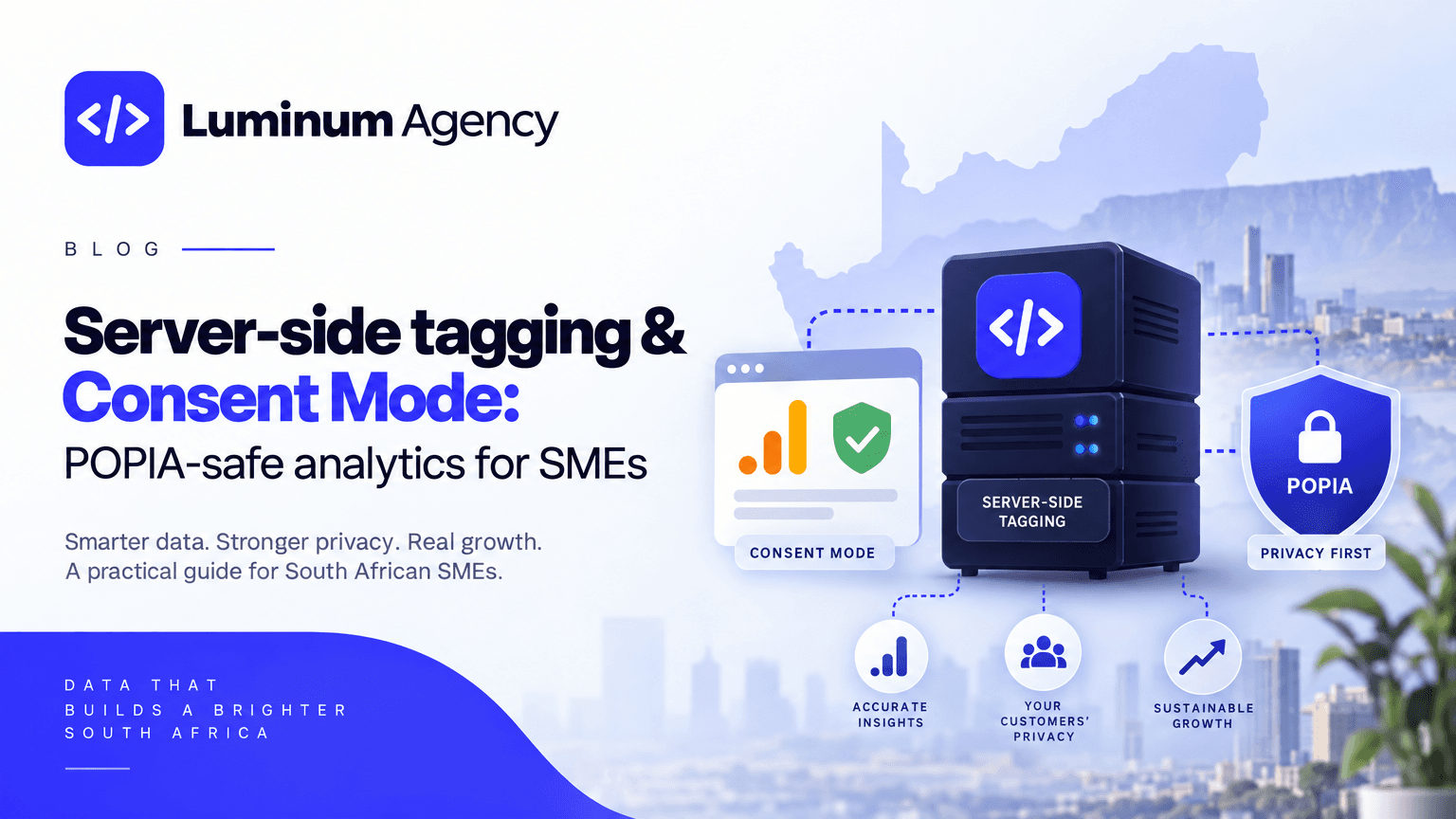
South African SMEs can keep the conversion and revenue signals their teams depend on while reducing client‑side personal data exposure — but it requires a focused engineering and compliance run, not a generic consent banner. This playbook gives a 30–60 day minimum‑viable plan pairing Consent Mode v2 with a server‑side tagging container, the six events to instrument first (including a payment gateway webhook), the documents the Information Regulator expects, and the verification rules that stop inflated metrics.
Why analytics and POPIA collide (brief)
POPIA requires organisations to explain why they process personal information, record lawful bases, and maintain operator/processor agreements and transparency for direct marketing and tracking technologies (Information Regulator guidance: https://inforegulator.org.za/guidance-notes/). For websites that use analytics and ad tags, your privacy notice, vendor contracts and consent mechanism must accurately reflect what runs on the site and how consent is recorded. Naïve consent banners that simply block client‑side analytics remove the conversion and payment signals teams need to operate: without server‑confirmed purchase events and consistent session markers you lose the ability to attribute revenue to campaigns, detect payment‑rail failures, or prioritise fixes — which directly harms revenue and complicates any POPIA audit.
How Consent Mode v2 and server‑side tagging work together
Consent Mode v2 lets tags degrade gracefully: when full consent isn’t given, the system emits aggregated, non‑identifying signals instead of raw identifiers. Pairing that with a server‑side tagging container (server GTM or equivalent) moves sensitive forwarding and vendor endpoints off the public client and into a controlled server environment. The pattern looks like: browser → server container → analytics/payment endpoints.

Why this matters practically
The browser sends a minimal, consent‑aware payload to your server endpoint; client logic never forwards raw user identifiers to third parties (implementation notes: https://www.juicydesigns.co.za/blog/consent-mode-gtm-south-africa/).
The server applies consent rules, hashes or strips PII where required, and forwards only permitted aggregates to vendors. That reduces client‑side PII exposure and the risk of cross‑border leakage while preserving modelable measurement.
Consent Mode v2 signals (granted | denied | partial) travel with each event so downstream vendors separate fully consented, partially consented and non‑consented cohorts.
Minimum viable event model — the six events to instrument first
Each event must include consent_state and consent_timestamp and use non‑PII identifiers where possible.
- session_start / page_view
- A stable session marker used as the denominator across funnels. Sample row: session_id, session_start_ts, source_medium.
- product_view / service_view
- Use only non‑PII product identifiers (SKU or product_id). Do not attach customer identifiers or email hashes at this stage.
- add_to_cart (or intent_to_buy)
- Record SKU, quantity and price as strings; tie to checkout_id if available. Sample row: event, session_id, sku, qty, price, consent_state.
- begin_checkout (checkout_start)
- Capture checkout_id, cart_total and cart contents (SKUs only). This marks funnel entry for cart→checkout loss.
- payment_initiated
- Fire when payment details are submitted. Record transaction_attempt_id and payment_method as an anonymised category ("card" | "EFT" | "mobile_wallet"). Do NOT mark purchase here.
- payment_success — authoritative purchase
- Emit only after server confirmation from the gateway webhook or a reconciliation job. This prevents inflated purchases from reloads or spoofed client requests.
Code examples (minimal, safe)
Client → server payload (use strings for numeric‑like fields):
{
  "event": "payment_initiated",
  "checkout_id": "chk_abc123",
  "transaction_attempt_id": "tx_attempt_987",
  "cart_total": "1999",
  "payment_method": "card",
  "consent_state": "granted",
  "consent_timestamp": "2026-10-01T08:23:12Z"
}
Webhook handler (emit payment_success only after gateway confirmation):
Measurement rules to avoid false positives
Only mark purchases on server‑confirmed payment (gateway webhook or reconciliation). This prevents inflated counts from reloads, client‑side hacks or abandoned success pages.
Store failure_reason and payment_method as categorical fields; never store tokens or card details in analytics. Keep full transactional records in your payments ledger.
Attach consent_state (granted | denied | partial) and consent_timestamp to every event so you can model and explain estimates during POPIA audits (Information Regulator guidance: https://inforegulator.org.za/guidance-notes/).
For leads, treat form_submit as a lead only after server confirmation (CRM record created or confirmation email sent).
30–60 day playbook — step by step
Week 0–1: Prepare & inventory (owner: product/analytics lead)
- Inventory tags, payment gateways and DPAs. Pull 90 days of sessions, add_to_cart, checkout_start and payment_success by rail to establish baselines. Micro‑check: confirm gateway supports signed webhooks.
Week 1–2: Deploy server container + wire consent (owner: engineering + analytics)
- Deploy a server‑side tagging container (managed or cloud function). Point client tags to forward minimal payloads to the server endpoint and implement Consent Mode v2 on the client so the banner writes a session consent record your server reads (implementation notes: https://www.juicydesigns.co.za/blog/consent-mode-gtm-south-africa/). Smoke test: event reaches server; server forwards degraded aggregates when consent denied and full fields when consent granted.
Week 3–4: Payment instrumentation + webhooks (owner: engineering + payments ops)
- Wire gateway webhooks to emit payment_success/payment_failure. Map failure codes to standard failure_reason categories. If webhooks aren’t available, schedule a reconciliation job to emit payment_success after settlement. Verify via simulated success and failure.
Week 5–8: Gradual rollout and modelling (owner: analytics + product)
- Rollout 25% → 75% → 100% traffic. Keep mirrored raw logs for recent windows. Use consent logs to build a modelling layer that estimates revenue from non‑consenting sessions without storing PII. Reconcile weekly to gateway settlements.
KPIs, audits and quality checks
Track these weekly: sessions by source, add_to_cart rate, checkout_start rate, payment_success rate by payment rail, top three failure_reasons, and consent_state distribution. Reconcile payment_success counts to gateway settlements and treat any mismatch above an agreed tolerance as a high‑priority incident.
When data looks degraded
Expect reduced granularity for non‑consenting sessions. Model using aggregated cohorts (source, campaign, product) rather than user‑level attribution and widen confidence intervals. Explicitly surface sample sizes in dashboards so stakeholders don’t over‑interpret small cohorts.
Compliance checklist — artefacts to show the Information Regulator
Collect and keep current these concrete artefacts (Information Regulator guidance: https://inforegulator.org.za/guidance-notes/):
Privacy notice updated to name tracking technologies, processors, purposes and retention periods.
Processor/operator agreements (DPAs) with analytics providers and payment gateways; document cross‑border flows and contractual safeguards (practical guidance: https://www.popiaready.co.za/blog/is-google-analytics-popia-compliant).
Consent logs with timestamps and an indexed audit trail for withdrawal requests. Store a minimal sample format: session_id, consent_state, consent_timestamp, source.
A technical diagram showing browser → server GTM → analytics/gateway flows and where hashing, aggregation and retention happen — this diagram is often the single most useful artefact in a regulator review.
A short runbook describing how purchases are confirmed (webhook endpoints, reconciliation cadence) and who owns payment‑failure remediation.
Next steps and quick wins (30‑day experiments)
Prioritise experiments that move revenue quickly in South Africa’s context—payment reliability and chat commerce matter here.
Suggested experiments
Payment‑rail redundancy + automatic retry logic — add a fallback gateway and mobile‑wallet options, measure payment_success by rail and expect immediate clearance improvements (see Stitch coverage: https://stitch.money/blog/the-future-of-checkout).
WhatsApp → checkout pilot — send tracked order links from chat with UTM + order_id and confirm payment_success via webhook; measure chat session → order conversion (World Wide Worx shows WhatsApp is a primary customer channel in SA: https://www.worldwideworx.com/wp-content/uploads/2025/09/Online-Retail-in-South-Africa-2025.pdf).
Consent Mode v2 + server tagging — implement consent banner, GTM client signals and server container to preserve aggregated measurement while limiting PII exposure (implementation notes: https://www.juicydesigns.co.za/blog/consent-mode-gtm-south-africa/).
Appendix — internal checklist (engineering & ops)
Inventory: list of tags, current GTM setup, consent vendor, payment rails and DPAs.
Test scripts: webhook simulator, consent state toggle, server forwarder smoke tests.
Artefacts to produce: sample consent log CSV, data‑flow diagram (PDF), DPA folder links, reconciliation runbook.
How Luminum helps
Luminum maps measurement and operations into delivered solutions and configures analytics, automations and customer operations as a connected system. Our platform‑first approach treats website, payment rails and reconciliation as one product so analytics is treated as a product requirement rather than an afterthought (see our approach: https://luminum.agency/solutions; about Luminum: https://luminum.agency/about).

