10 website design tips you can test on your own site

In this article
- 1. Make the opening specific
- 2. Name navigation for the customer
- 3. Design for the narrow screen first
- 4. Keep text comfortable to read
- 5. Make controls recognisable
- 6. Give forms helpful labels and feedback
- 7. Use visuals to explain something
- 8. Remove avoidable loading work
- 9. Make the next step predictable
- 10. Test again after changes
- A simple test you can run this week
- Related reading
- Sources and further guidance
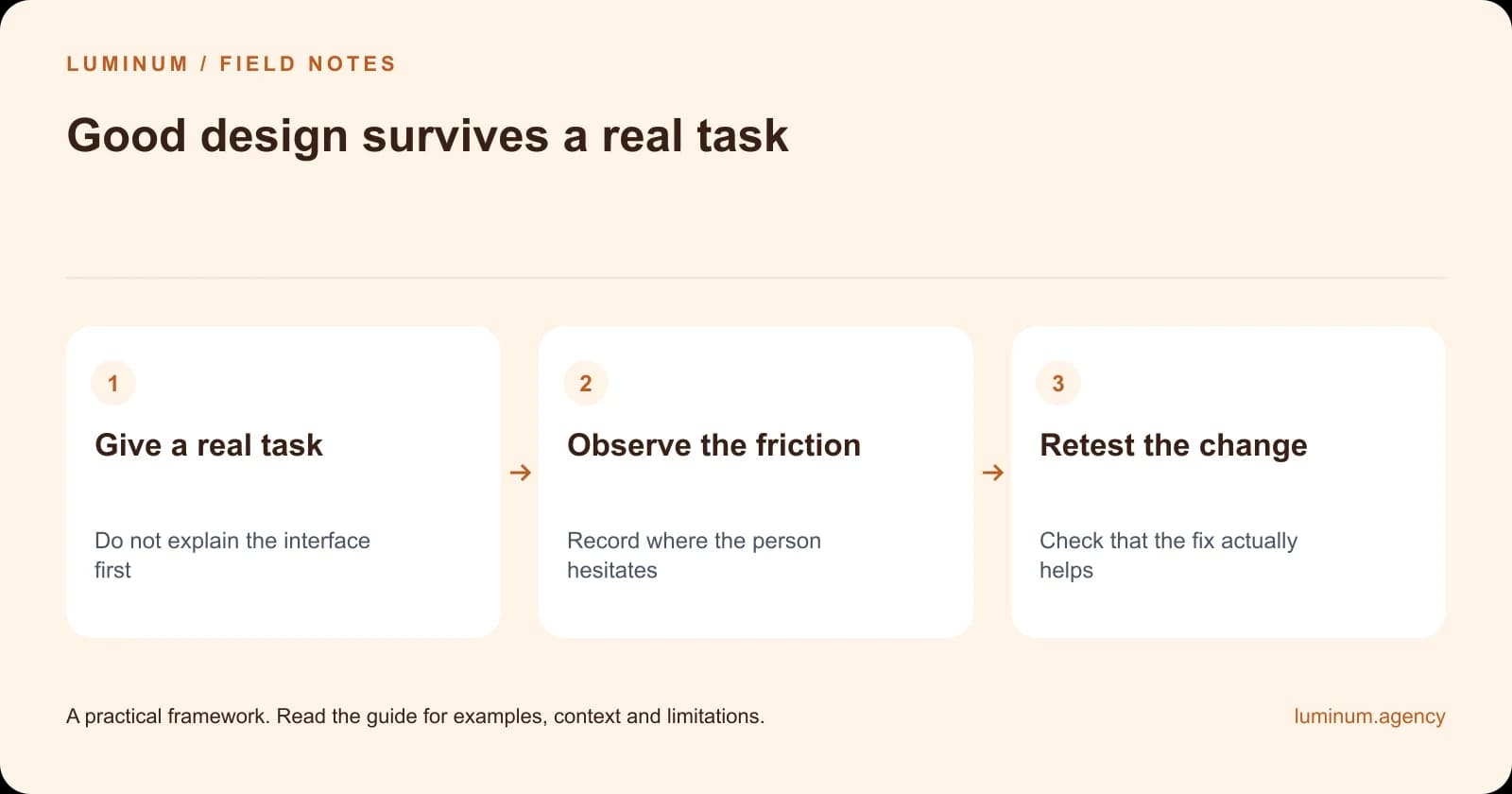
Instead of asking whether a website looks modern, ask someone to use it. Give them a task without explaining the interface. The points where they hesitate are often more valuable than another round of opinions about the colour palette.
1. Make the opening specific
Say what you offer, who it helps and the useful next step. Replace broad slogans with accurate information. A visitor should not need the About page to identify the service.
2. Name navigation for the customer
Use labels people recognise. “Pricing” or “Services” may be clearer than an inventive internal name. Ask a person unfamiliar with the business where they would click to answer a common question.
3. Design for the narrow screen first
Check the page on a real phone. Headings, tables, menus and buttons should remain usable without sideways scrolling. Do not assume a desktop layout becomes mobile-friendly simply because it shrinks.
| Compare | What to observe | Useful change |
|---|---|---|
| Find a service | Unclear labels or missing information | Simplify navigation and page purpose |
| Read on mobile | Crowding, overflow or obstructive widgets | Adjust layout and spacing |
| Complete a form | Confusing fields or unhelpful errors | Improve labels and feedback |
| Understand a visual | Meaning lost without colour or context | Add labels and text explanations |
4. Keep text comfortable to read
Use a readable size, reasonable line length and enough spacing. Break up long passages with meaningful headings, not a separate box for every sentence. Important answers should remain easy to find while scanning.
5. Make controls recognisable
Links and buttons should look interactive. Provide visible keyboard focus and labels that describe the action. Do not rely on colour alone to communicate status or an error. These practices are covered in the W3C accessibility guidance linked below.
Illustrative stock photography; these images do not document Luminum client results.



6. Give forms helpful labels and feedback
Keep labels visible while someone types. Explain errors near the relevant field and confirm successful submission. Ask only for information needed at that stage, and test the message received by the business as well as the on-screen success state.
7. Use visuals to explain something
A comparison table helps a choice. A diagram clarifies a process. A genuine project image supports a claim. Add captions when context matters, and provide a text alternative for information conveyed visually. Decorative stock photography should not pretend to be evidence.
8. Remove avoidable loading work
Measure the page and optimise the actual bottleneck. Resize and compress images appropriately, avoid unnecessary scripts and keep layouts stable while content loads. Do not sacrifice useful functionality merely to chase a perfect laboratory score.
9. Make the next step predictable
A quote button should explain what happens after contact. A booking button should lead to available appointments or clearly explain the request process. Keep response promises aligned with staff capacity.
10. Test again after changes
Run a short task test after a redesign, plugin update or new marketing tool. Check keyboard access, mobile layout and essential forms. A page that worked at launch can fail after an unrelated integration changes.
A simple test you can run this week
Ask a willing tester to find a suitable service, explain what they think is included and send a test enquiry. Do not coach them while they work. Note confusion, then ask what they expected. Use fictional details and identify the submission as a test.
Fix the most serious obstacle, repeat the task and keep the result. This is a practical usability check, not a statistically representative study—but it can reveal concrete problems that a design debate misses.
Put the guide into practice
Step 1
Give a real task
Do not explain the interface first
Step 2
Observe the friction
Record where the person hesitates
Step 3
Retest the change
Check that the fix actually helps
Related reading
- A professional business website: the anatomy of a useful service page
- How web design affects SEO: what helps Google and your visitors
Sources and further guidance
Substantively updated in October 2026. Examples identified as illustrative are not client results.

