Custom website development in South Africa: scope the difficult part first

In this article
“We need a custom website” can mean anything from a distinctive design to a customer portal connected to several systems. Before choosing technology or requesting a price, name the requirement that ordinary tools do not satisfy.
Describe the workflow in plain language
Write who uses the system, what they need to do and what happens next. Include exceptions. For an illustrative trade supplier, a customer may need account-specific pricing, stock availability and approval before an order is accepted. That is a workflow—not just an extra page.
Identify the source of truth for each important fact. Which system owns stock, prices, customer access and order status? Conflicting copies become an operational problem even if the interface looks polished.
Challenge the need for bespoke code
Check whether a supported platform or integration can meet the requirement adequately. Standard tools may reduce build and maintenance work. Custom work becomes more compelling when the requirement is distinctive and the business can support the ongoing responsibility.
A hybrid can be sensible: standard content management with a carefully isolated custom feature. Ask the supplier to explain the tradeoffs, dependencies and exit options rather than presenting one technology as universally superior.
Prototype the uncertain part first
Demonstrate the hardest workflow with fictional data before investing in the whole interface. If the risk is an external API, test its limits and failure behaviour. If the risk is staff usability, let the future users try the task.
The prototype is not automatically production-ready. Its purpose is to answer a decision: can this approach meet the requirement at an acceptable level of complexity and cost?
| Compare | Useful deliverable | Acceptance evidence |
|---|---|---|
| What is genuinely different? | Documented workflow and constraints | A clear reason standard tools fall short |
| Can the risky part work? | Focused prototype | Demonstrated success and failure cases |
| How will it be delivered? | Scoped implementation and test plan | Working end-to-end journeys |
| Who operates it? | Support and recovery documentation | Named owners and a usable handover |
Include failure states in the scope
What if a payment succeeds but the order notification is delayed? What if stock changes during checkout? What if a user retries a submission? Define how the system avoids duplicates, exposes uncertainty and allows staff to recover.
Review permissions and data handling alongside features. A customer should not be able to access another customer's records because an identifier is easy to guess. Relevant security testing and operational safeguards should be part of the delivery plan.
Make acceptance observable
Use concrete criteria: the correct role can perform the task, the expected record is created, failures are handled and the result is visible to staff. Keep a test environment and a release process appropriate to the risk.
For an existing site, protect useful content, URLs and customer journeys during migration. Custom development does not automatically improve SEO, and removing valuable pages can undermine an otherwise successful build.
Illustrative stock photography; these images do not document Luminum client results.


Budget for operation as well as launch
Include monitoring, backups, recovery, dependency updates and support. Record account ownership, documentation and source-code or licence arrangements. A handover is incomplete if another capable team cannot understand how to run the system.
Ask what can be deferred safely. The best first release is often the smallest one that reliably completes the important workflow—not a demonstration of every possible feature.
Choose evidence over technology names
Request a relevant demonstration, an explained architecture and a clear maintenance plan. The right custom project has a reason to exist and an owner after launch. If those are missing, refine the brief before signing a build contract.
Put the guide into practice
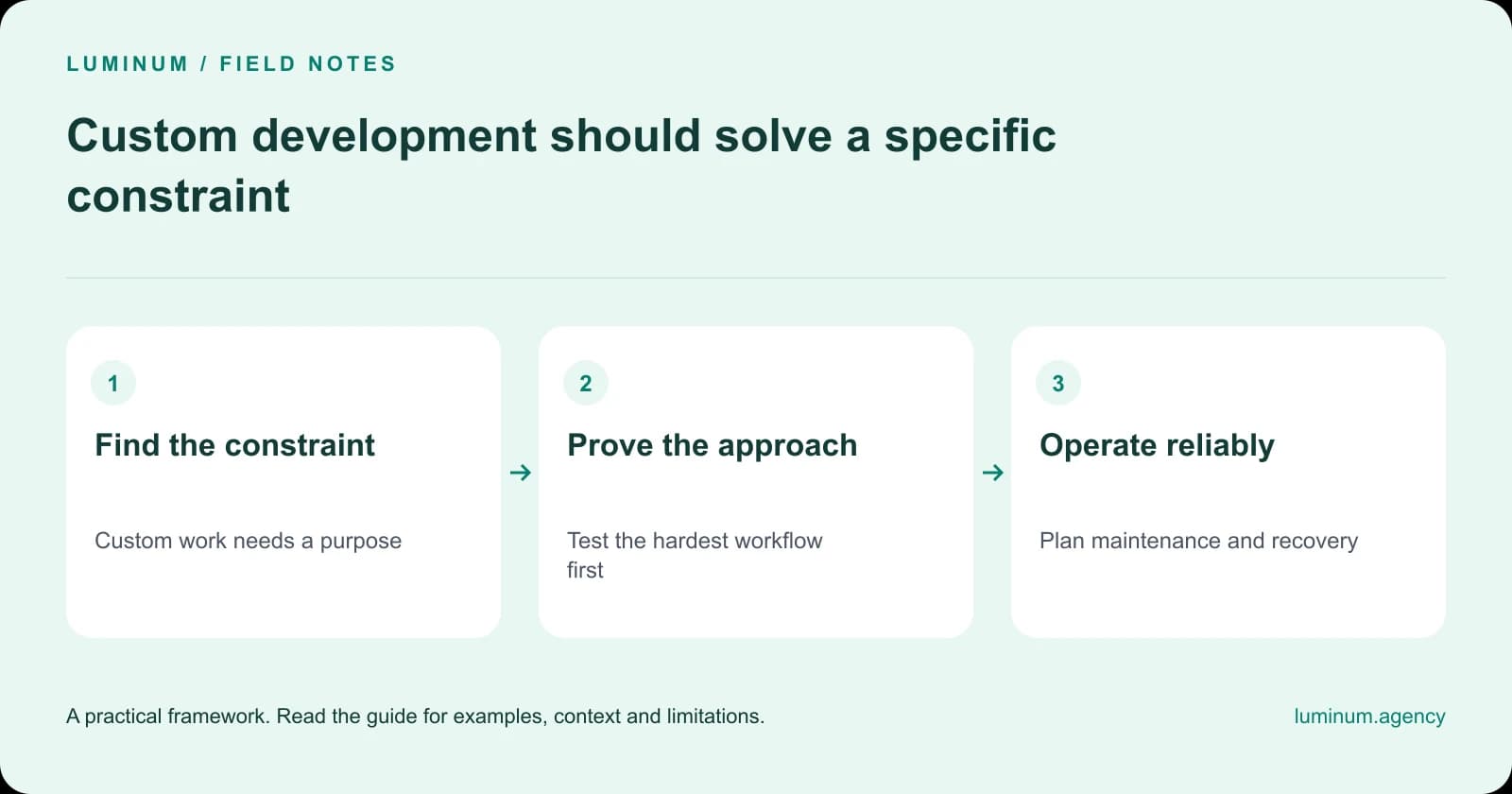
Step 1
Find the constraint
Custom work needs a purpose
Step 2
Prove the approach
Test the hardest workflow first
Step 3
Operate reliably
Plan maintenance and recovery
Related reading
- Custom website or template? Choose around the work your site must do
- Website redesign SEO checklist: protect rankings during migration
Substantively updated in October 2026. Examples identified as illustrative are not client results.

