Custom website or template? Choose around the work your site must do
In this article
A template is not automatically a compromise, and custom code is not automatically an upgrade. The right choice depends on the journey you need to build, the people maintaining it and the limitations you can accept.
First, define what “custom” means
Some projects use a custom visual design on an established CMS. Others combine a theme with tailored components. A fully bespoke application involves different engineering and maintenance responsibilities. Ask the supplier which meaning applies rather than relying on the label.
Similarly, templates vary widely. A well-supported starting point with thoughtful content and testing can be useful. A heavily modified theme with incompatible additions can become difficult to maintain. Judge the actual implementation, not the category alone.
Match the approach to the customer task
An illustrative consultancy needs clear service information, proof and a contact route. A suitable template may support that efficiently. A business with a complex quote configurator or specialised customer workflow may need targeted custom development.
Even then, the whole site does not necessarily need to be bespoke. A hybrid can keep standard content management while customising the part that genuinely differs. Ask what the additional complexity buys you.
Be sceptical of automatic SEO and conversion claims
Both approaches can publish useful, crawlable content and both can perform poorly. Search engines do not award a general bonus because a supplier calls the site custom. Conversion also depends on the offer, audience, content and follow-up.
Compare the actual output: readable pages, sensible navigation, working forms, appropriate performance and maintainable content. A live demonstration is more helpful than a table that labels all templates “bad for SEO”.
| Compare | Template-based approach | Custom or hybrid approach |
|---|---|---|
| Standard service pages | Can provide a useful starting structure | Can tailor presentation more deeply |
| Unusual workflow | Check platform limits before committing | Can target the specific requirement |
| Maintenance | Depends on platform, theme and extensions | Depends on architecture and support |
| SEO and conversions | Require good content and implementation | Require good content and implementation |
Think about the second year
Who updates the software, fixes defects and changes the content? What happens if the original developer is unavailable? Can a new supplier understand the code or export the content? What recurring licences are required?
A proprietary platform may be perfectly suitable, but understand its export and cancellation limits. A code handover is useful only if the business also has the dependencies, documentation and capability needed to operate it.
Use a small proof of the difficult requirement
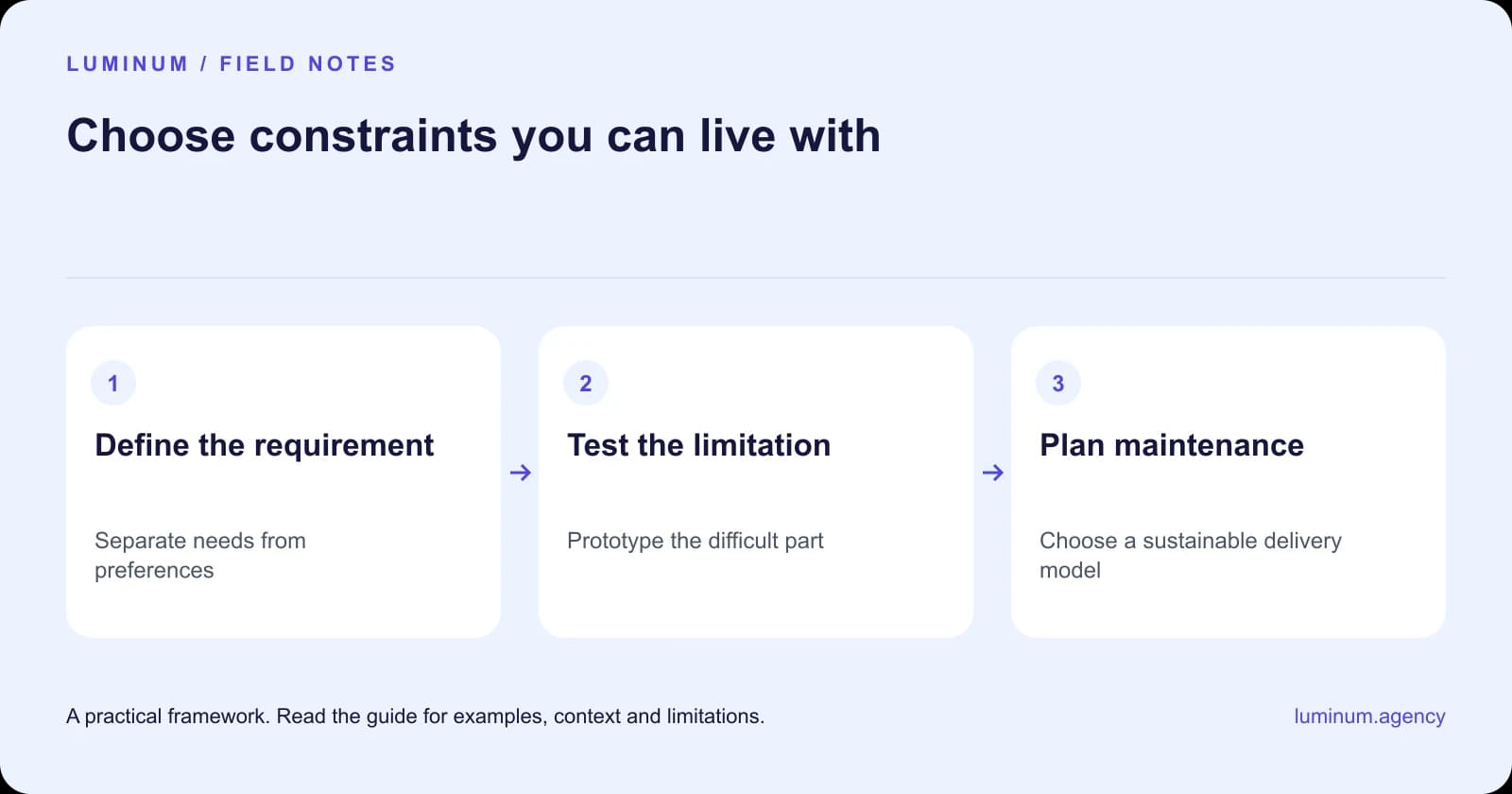
Before committing to an expensive build, demonstrate the feature that creates uncertainty. If the issue is a booking workflow, test that workflow. If it is content editing, ask a future editor to update a page. Do not judge a technical decision solely by the home-page mockup.
Make a reversible choice where possible
Start with the simplest approach that meets the real requirements and leaves a reasonable path forward. Keep accounts, assets and content organised. Document the tradeoffs you accept so a future redesign does not repeat the same debate.
Choose custom work for a specific need, not for prestige. Choose a template because it fits, not because its demo looks exactly like a business you admire.
Related reading
- Custom website development in South Africa: scope the difficult part first
- How much does a website cost in Pretoria? Compare the whole commitment
Sources and further guidance
Substantively updated in October 2026. Examples identified as illustrative are not client results.

