Why a small-business WordPress website underperforms—and what to fix
In this article
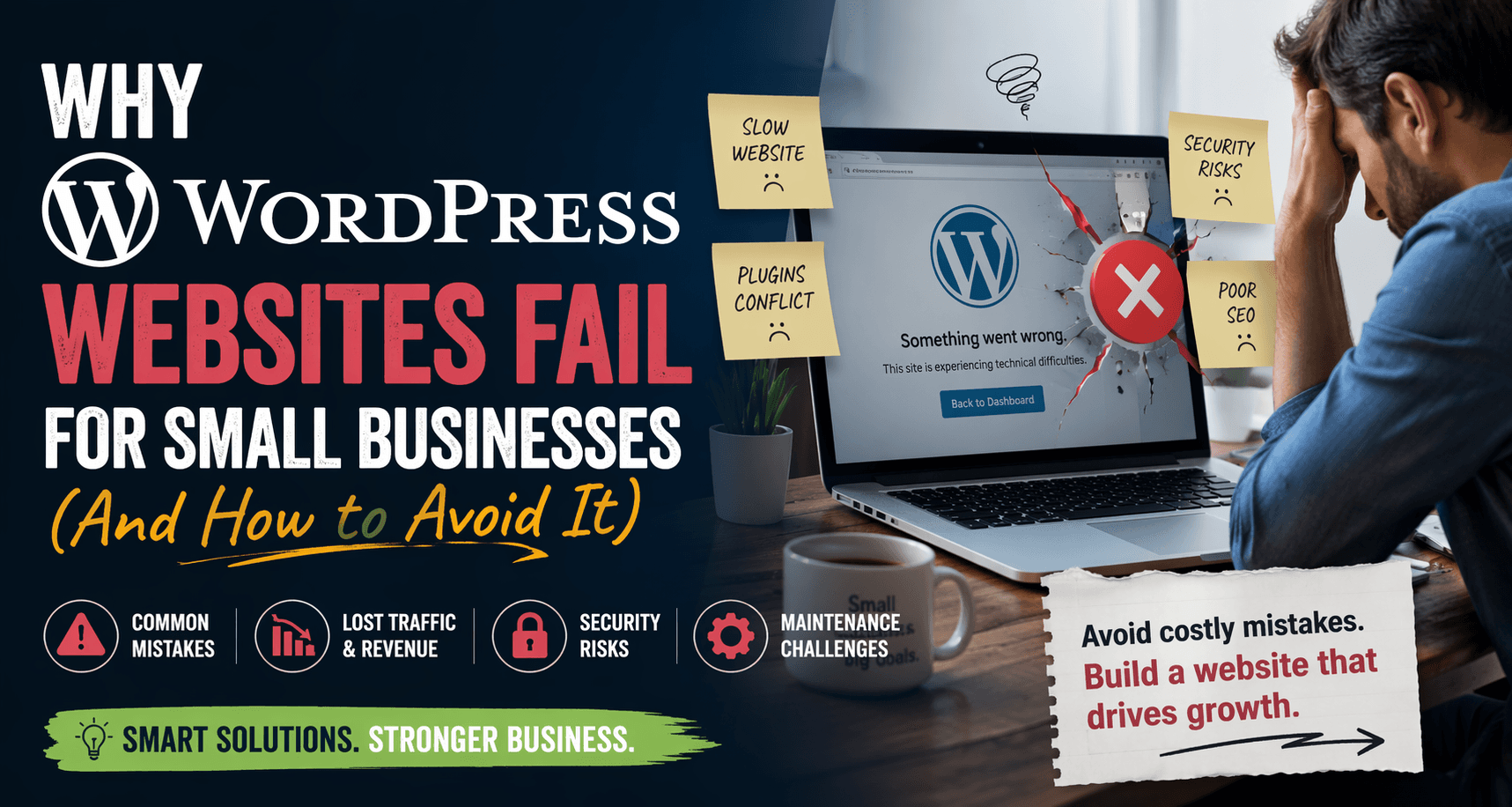
WordPress is not a reason for a website to fail. An outdated plugin, unclear offer, slow page or untested form can cause trouble on a WordPress site—but changing platforms without identifying the problem can simply move it somewhere else.
Begin with the customer's task
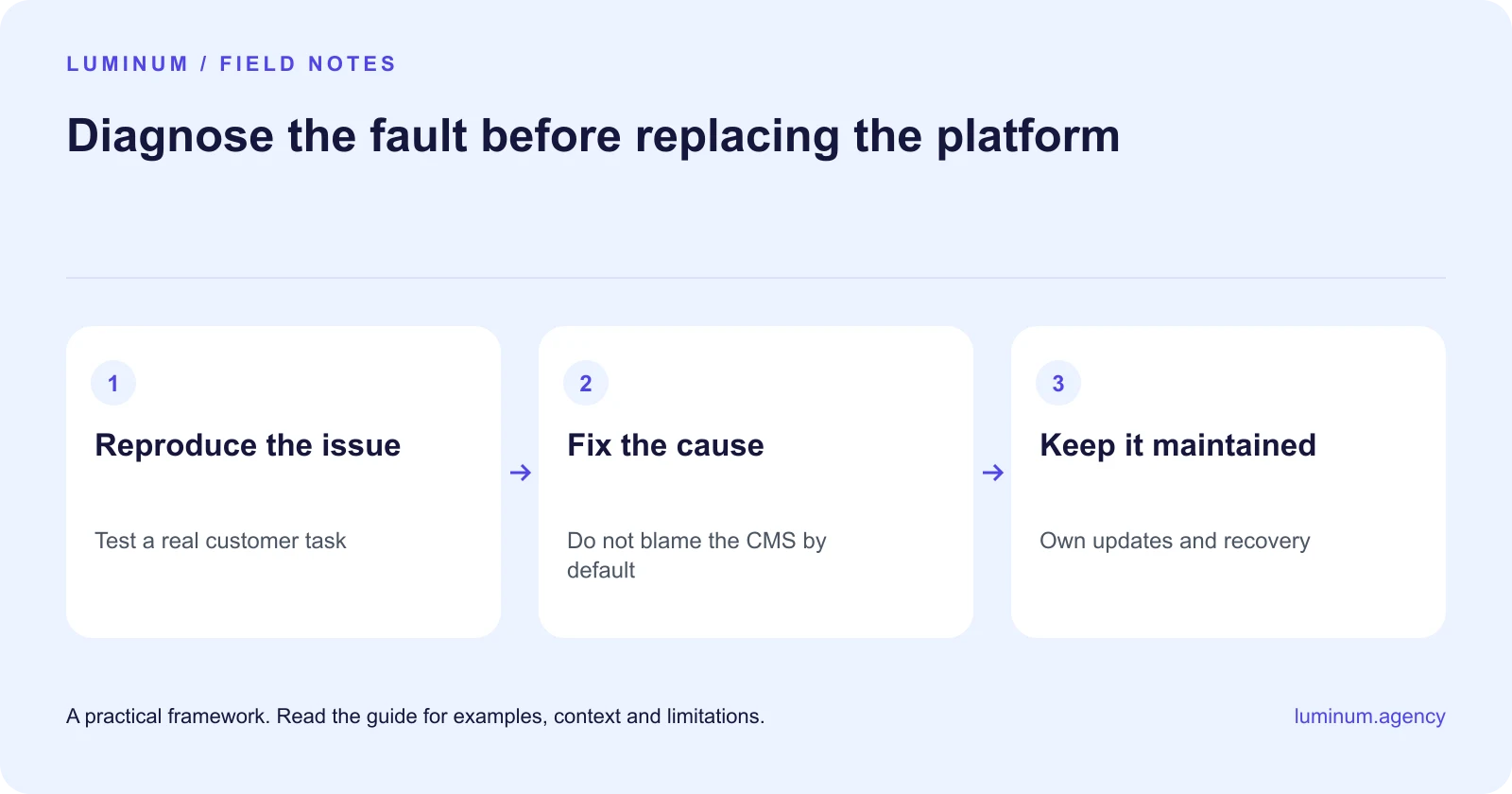
Open the site on a phone and do what a customer would do. Find a service, check the important details and send a test enquiry. Confirm that the message reaches the right person. This quick exercise can expose a more urgent issue than a cosmetic redesign.
If the site gets little relevant traffic, examine discoverability and the offer. If suitable visitors arrive but do not enquire, examine clarity and friction. If enquiries arrive but go unanswered, the website may not be the main bottleneck.
Find the actual performance problem
Do not judge a site by plugin count alone. A few poorly implemented features can create more trouble than a larger set of well-maintained ones. Inspect the pages and resources involved before removing functionality.
Check image size, caching, hosting behaviour and third-party scripts. Make one controlled change at a time where possible, then re-test. Work on a staging copy and keep a recovery path when changes could affect payments, forms or other important functions.
Make maintenance somebody's job
Keep WordPress, themes and plugins appropriately maintained, use trustworthy software sources and apply sensible access controls. The official WordPress hardening guidance treats security as ongoing work, not a plugin you install once.
Ask whether backups can actually be restored. A backup notification is reassuring only if the organisation knows what it contains, where it is stored and how to recover. Plan updates and incident response rather than relying on the original developer to remain available forever.
| Compare | Check first | Possible response |
|---|---|---|
| Slow pages | Actual resources and hosting behaviour | Optimise the measured bottleneck |
| Missing enquiries | Form delivery and staff handoff | Repair and test the full route |
| Frequent breakage | Update process and dependencies | Staging, simplification and maintenance |
| Hard to update | Editor structure and permissions | Improve the editing workflow |
Improve content before adding features
Replace vague claims with service details, relevant proof and a clear next action. A carousel, chatbot or animation does not solve a visitor's uncertainty about price, coverage or what happens after an enquiry.
Give staff a manageable editing process. If updating opening hours requires a developer every time, simplify that workflow. If everybody has administrator access, review roles and remove unnecessary privileges.
Repair, simplify or rebuild?
Repair when the structure is sound and problems are isolated. Simplify when the site contains overlapping builders, abandoned features or content nobody maintains. Consider a rebuild when the current architecture cannot reasonably support the required work or the cost of repair is disproportionate.
Before rebuilding, document what must be preserved: URLs, useful content, assets, customer workflows and integrations. Include migration testing in the budget. A new platform is not a substitute for those decisions.

Ask for a diagnosis you can understand
A useful recommendation names the problem, evidence, proposed fix, risk and cost. Be cautious of a sales pitch that says all WordPress sites are slow or insecure. The right answer may be a modest repair, not a new website.
Related reading
- Your website gets no customers? Diagnose the missing step
- Custom website or template? Choose around the work your site must do
Sources and further guidance
Substantively updated in October 2026. Examples identified as illustrative are not client results.

